
The MLM admin panel that runs your whole business
One control room for the company: register and manage members, set commission rules, approve payouts, watch the network grow and keep every action secure and on record.
- 9 modules
- 59 features
- Web + app access
What is the MLM.ERP admin panel?
An MLM admin panel is the back end a direct selling company uses to run its network. In MLM.ERP it covers nine modules, from member onboarding and commission settings to payouts, genealogy, communication, reports and security, so the head office never needs a spreadsheet or a separate tool.
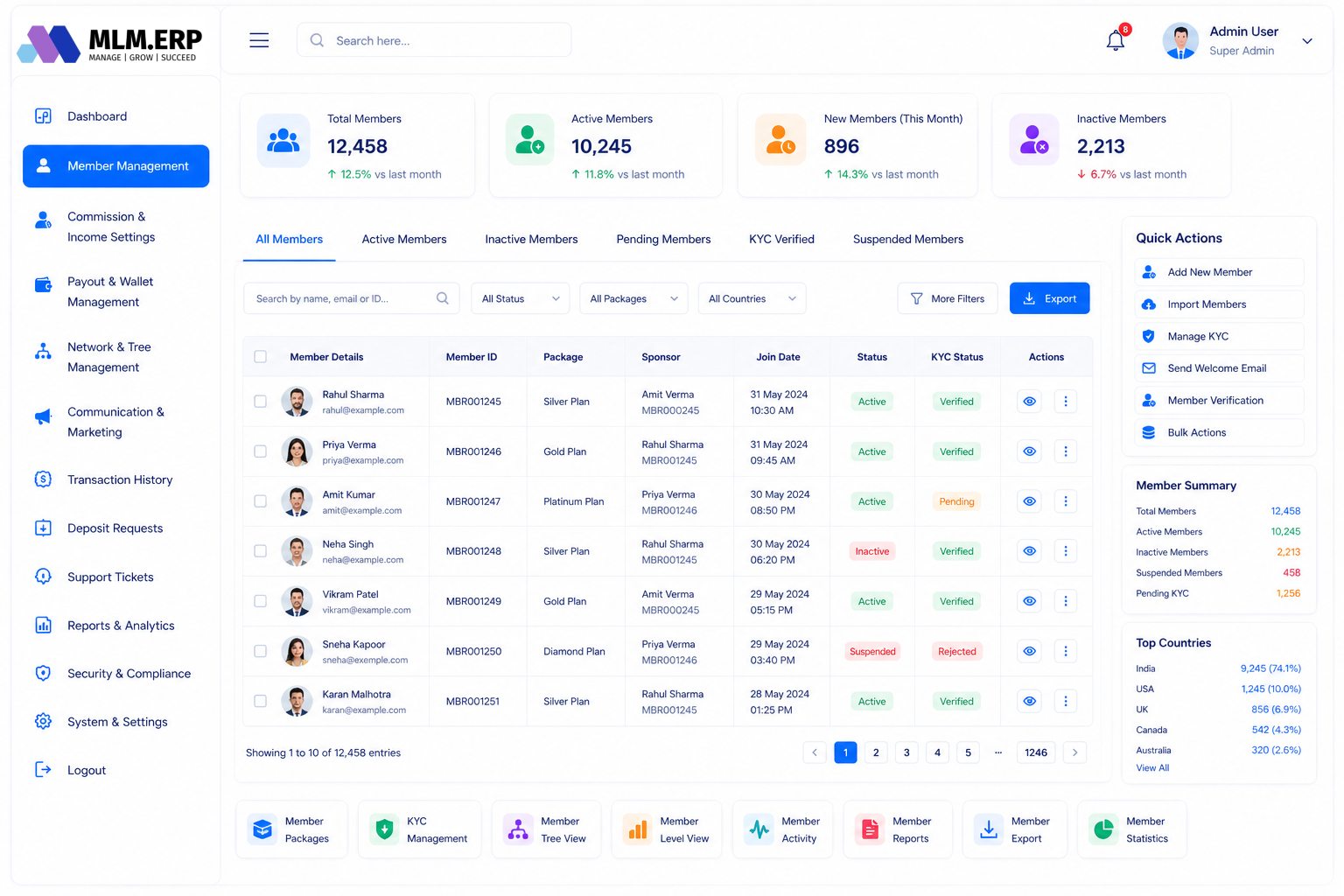
Member management
Everything about who is in your network: how people join, what they can access and who on your team looks after them.
- Joining by E-Pin, package or free IDChoose how new distributors join: redeem an E-Pin, buy a package, or receive a free ID you issue.
- Automatic ID and password generationMember IDs and first-time passwords are created on sign-up in the format you set.
- Paid and unpaid IDsKeep free sign-ups separate from paying members and convert them when they purchase.
- Activate or block any IDSwitch an account on or off instantly, for example while a complaint is investigated.
- Profile updatesCorrect a member's contact, bank or nominee details from the head office, with the change logged.
- ID upgradesMove a member to a higher package and let the plan recalculate eligibility.
- User managementSearch, filter and export the full member list.
- Enquiry managementCapture and follow up enquiries from your website and campaigns.
- Staff accountsGive office staff their own logins with only the screens they need.
- Franchisee creationSet up franchise or stockist accounts that get their own panel.
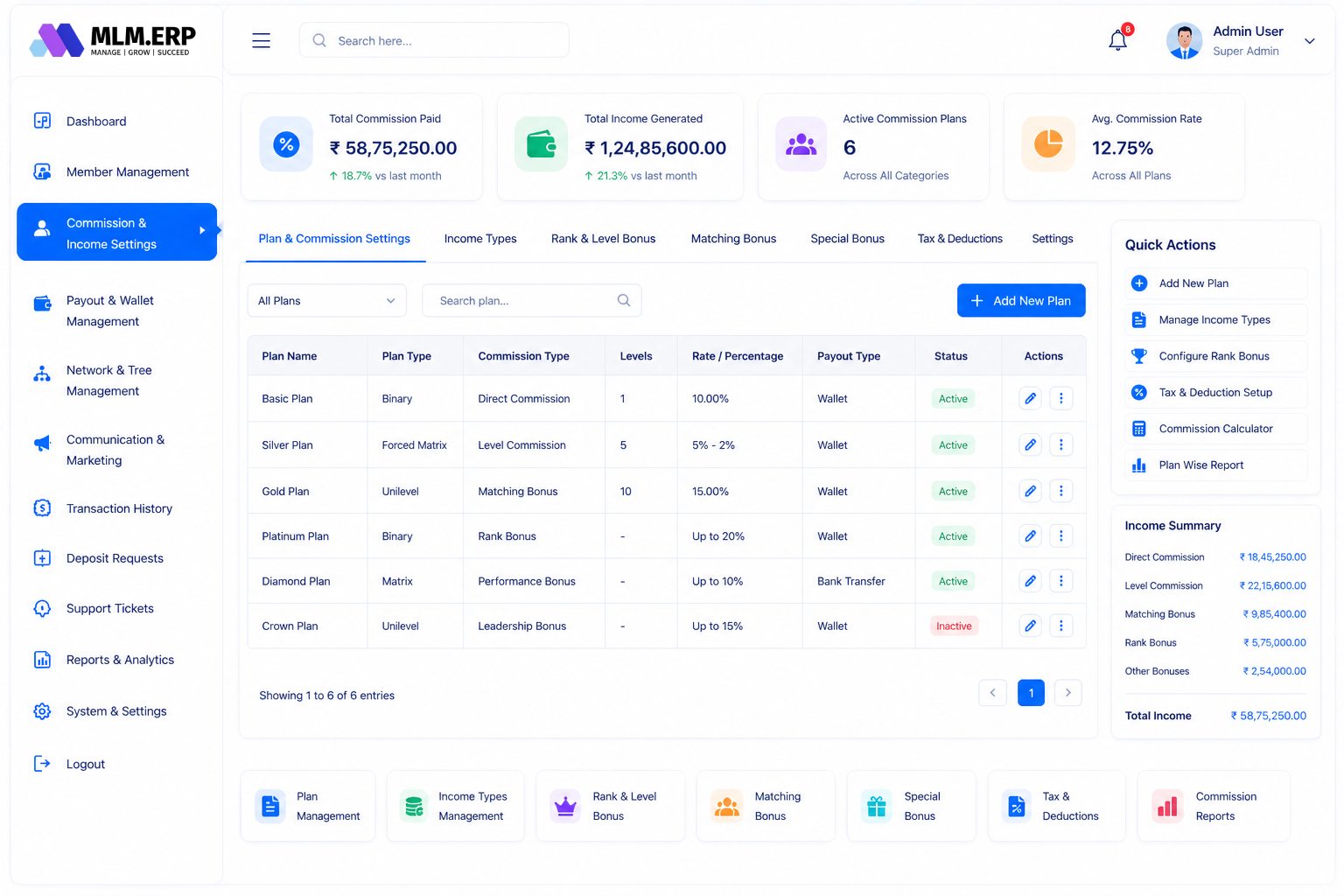
Commission & income settings
The rules that decide who earns what. Every rate, cap and deduction is a setting, not a code change.
- Commission engineCalculates every bonus type the moment a qualifying sale or join happens.
- Income masterDefine each income type, such as direct, level, matching or rank bonus, with its own rules.
- TDS and admin chargesSet tax and processing deductions once and they apply to every credit.
- Rewards masterConfigure rank rewards and achievement gifts with their qualifying targets.
- Temporary income processingRun one-off contests or seasonal bonuses without touching the main plan.
- Temporary rewards processingAward time-bound rewards and close them automatically when the offer ends.
- Packages and productsCreate joining packages and products with their own price and business volume.
- Advance payout managementRelease and recover advances against future earnings with a clear ledger.
Payout & wallet management
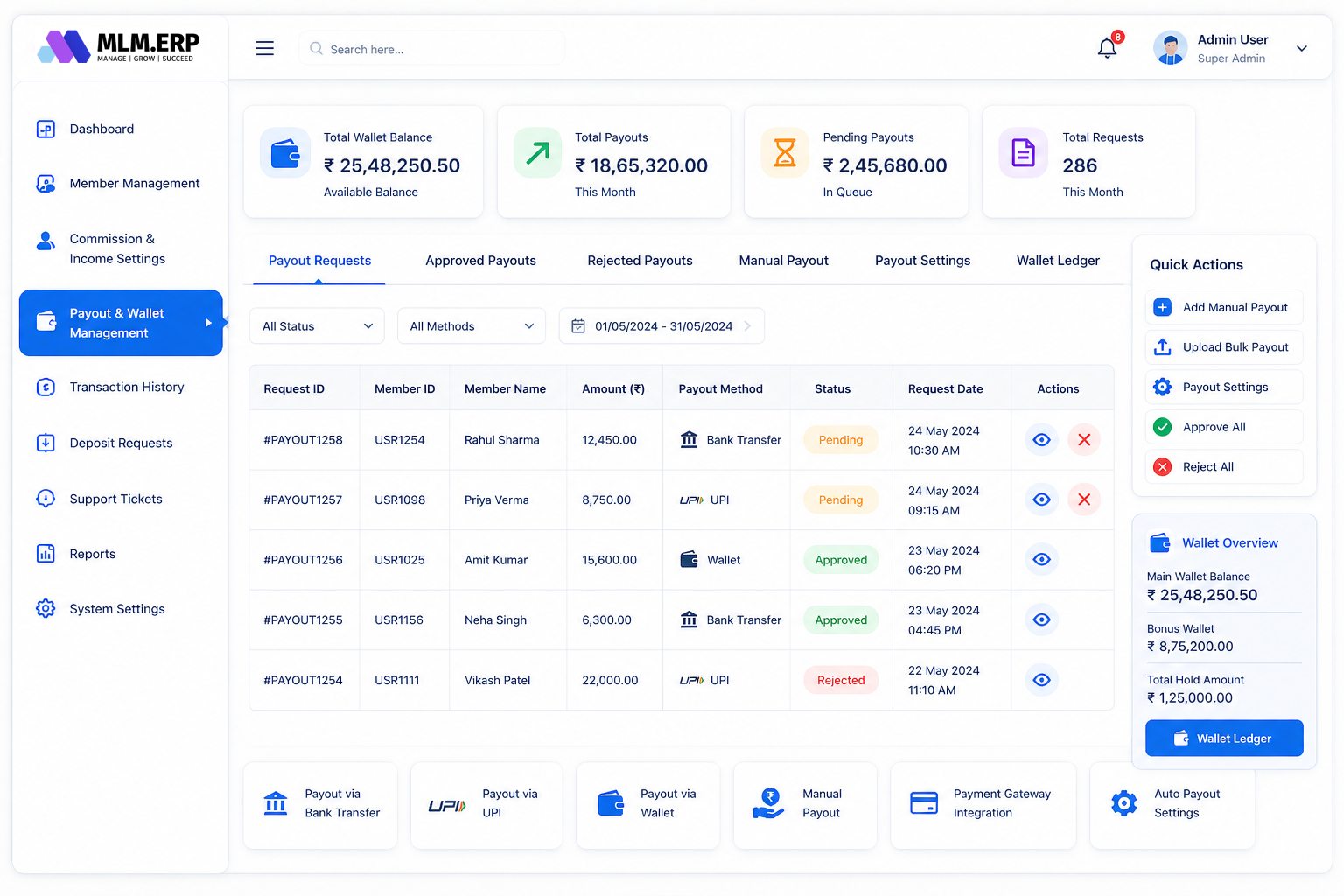
Money leaves the company only through approved, recorded steps.
- Withdrawal managementReview every request with member, amount, method and KYC status, then approve or reject.
- Payout generationCreate payout batches for a cycle and export bank files for bulk transfer.
- Withdrawal rulesSet minimum amounts, payout days, charges and the KYC needed before money moves.
- Wallet transfersAllow or restrict member-to-member transfers between wallets.
- E-Pin generationIssue E-Pins in bulk for joining, upgrades or product purchases.
- E-Pin transferMove pins between members or franchisees with a full transfer history.
Network & tree management
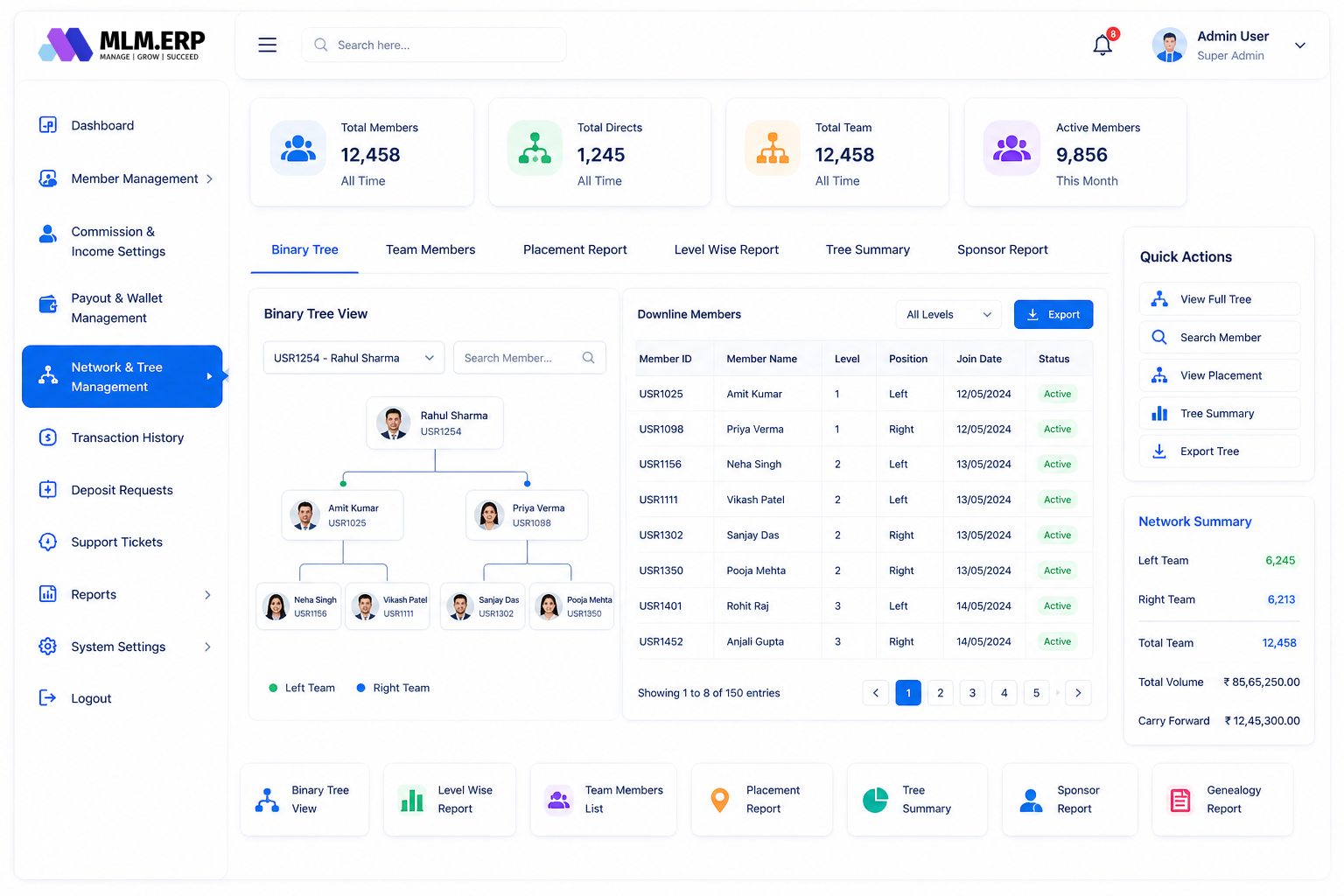
See any part of the network from the top, and fix placements with confidence.
- Full downline genealogyBrowse the complete tree below any member, level by level.
- Pool genealogyView board or pool structures separately from the sponsor tree.
- Direct member treeList each member's personally sponsored team.
- Tree settingsControl placement rules, spillover direction and how much of the tree members can see.
- Instant profile previewHover or tap any node to see that member's details without leaving the tree.
- Custom tree iconsShow status, rank or package with your own icons in the tree.
- Level-wise treeCount and list members on each level for level-income plans.
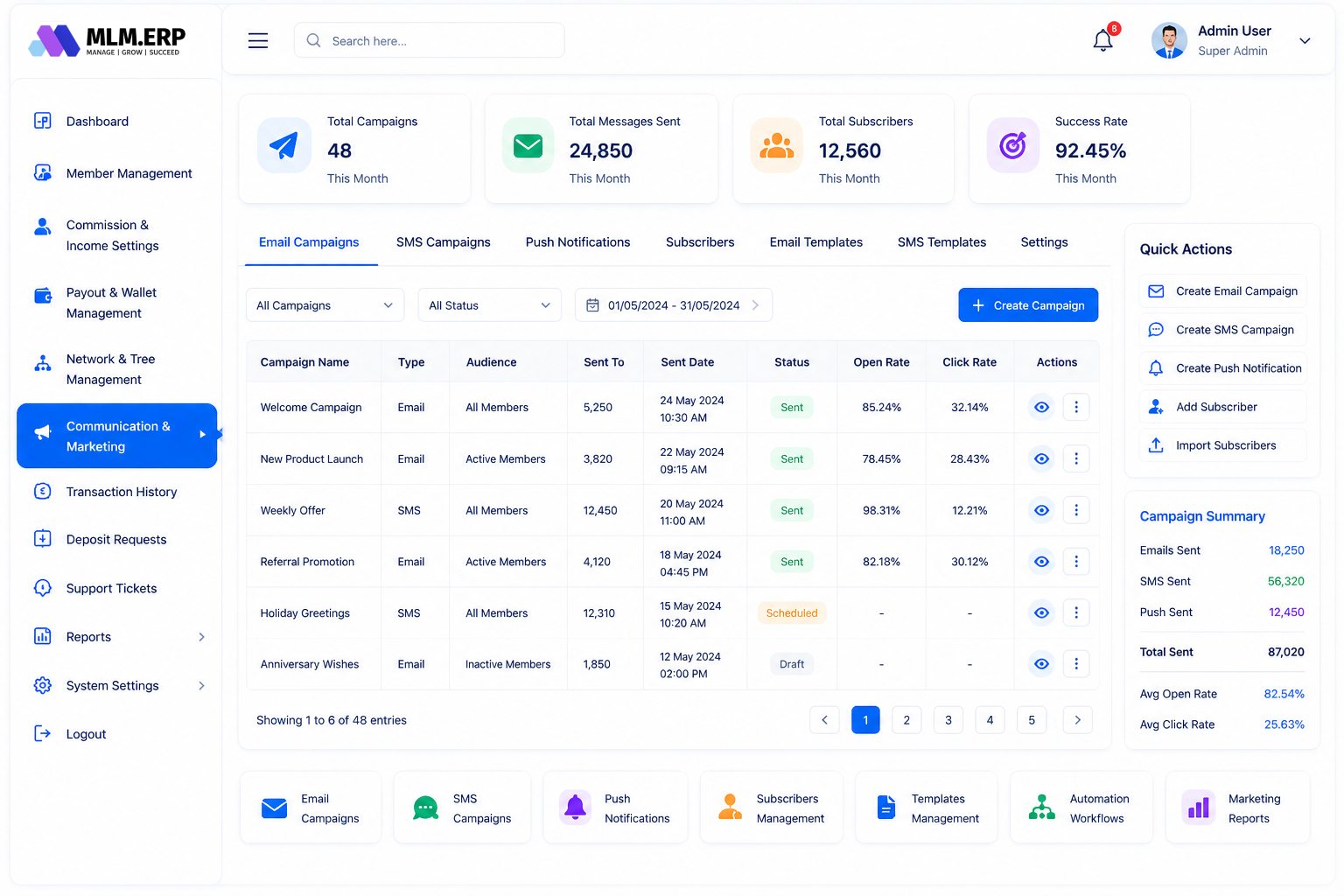
Communication & marketing
Reach the whole network, or exactly the right part of it.
- SMS and email broadcastsSend announcements to all members or a filtered group.
- PromotionsPublish offers and campaigns members see when they log in.
- Welcome letter designerBrand the welcome letter every new member receives.
- Support ticketsAnswer member questions in one queue with status and history.
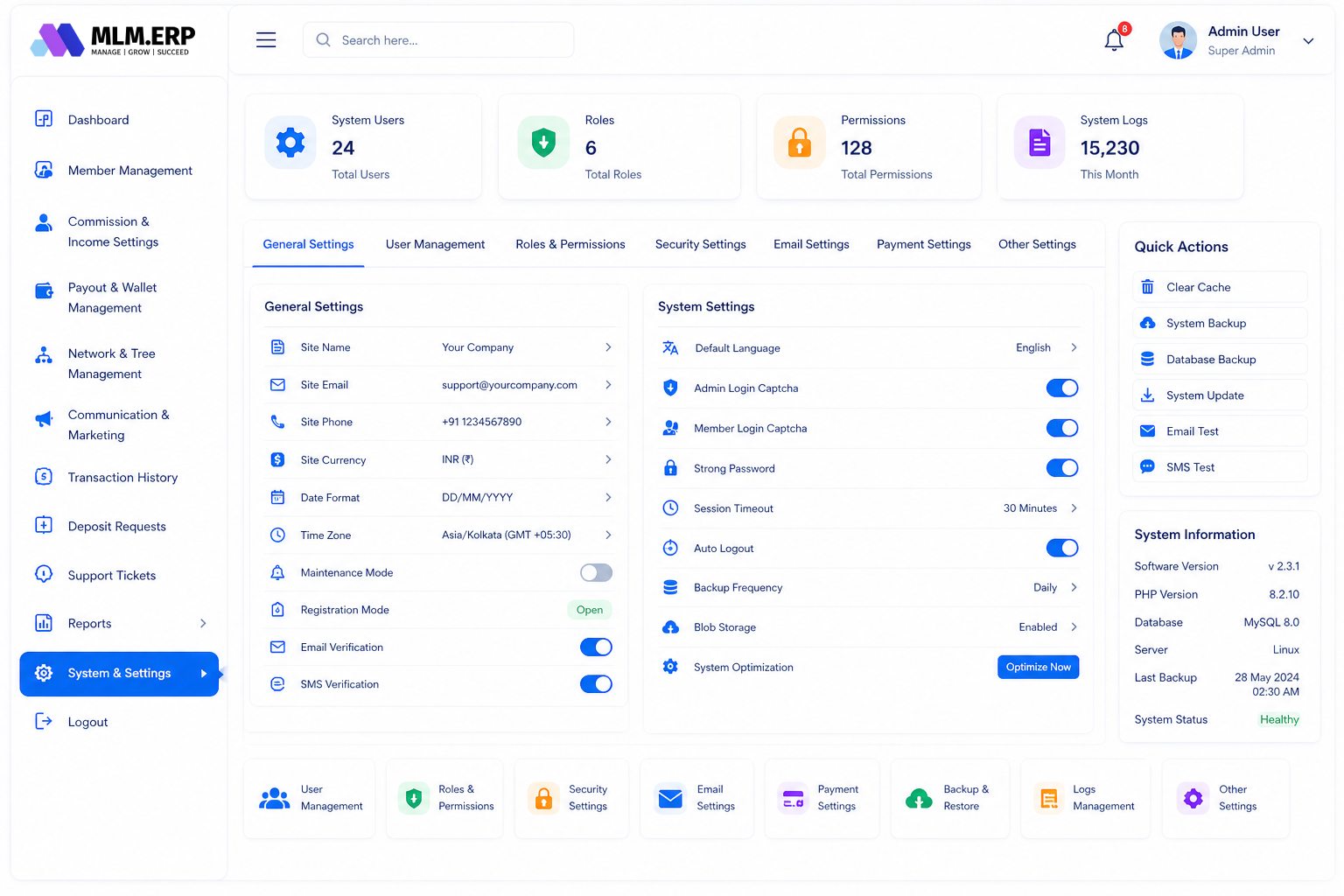
System & settings
The housekeeping that keeps the platform tidy and recoverable.
- Theme settingsMatch colours and logo to your brand without a developer.
- Database backupTake and download backups on demand, alongside scheduled ones.
- Expense moduleRecord company expenses so profit reports are complete.
- NotesKeep internal notes on members and decisions where the team can find them.
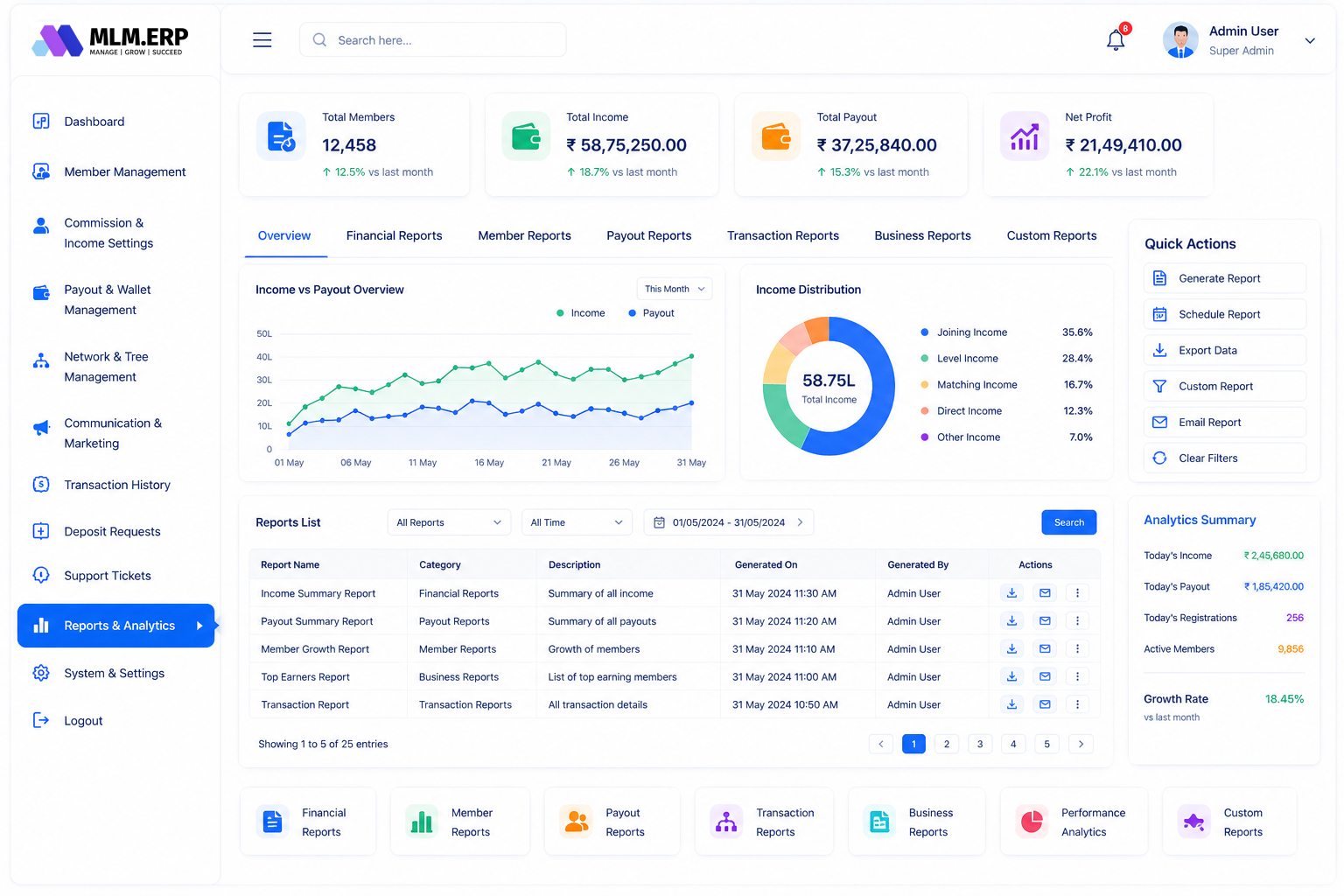
Reports & analytics
The numbers the head office checks every morning.
- Dashboard summaryJoins, income, payouts and pending tasks on one screen.
- Future ROI calculatorProject upcoming ROI liabilities for growth and staking plans.
- Financial reportsIncome, payouts, deductions and company earnings for any period.
- Login activityWho logged in, when, from which IP address and device.
- Suspicious activityFlags unusual logins, rapid transfers and other patterns worth a look.
- KYC decisionsApproved and rejected KYC documents with reasons.
Real-time dashboard insights
Live counters that tell you what needs attention today.
Status overview
Active, inactive and blocked members at a glance.
KYC and membership updates
New KYC submissions and upgrades waiting for action.
E-wallet and transactions
Today's credits, debits and wallet balances.
Downline and sales
Team growth and sales volume as it happens.
Ticket status
Open, pending and resolved support tickets.
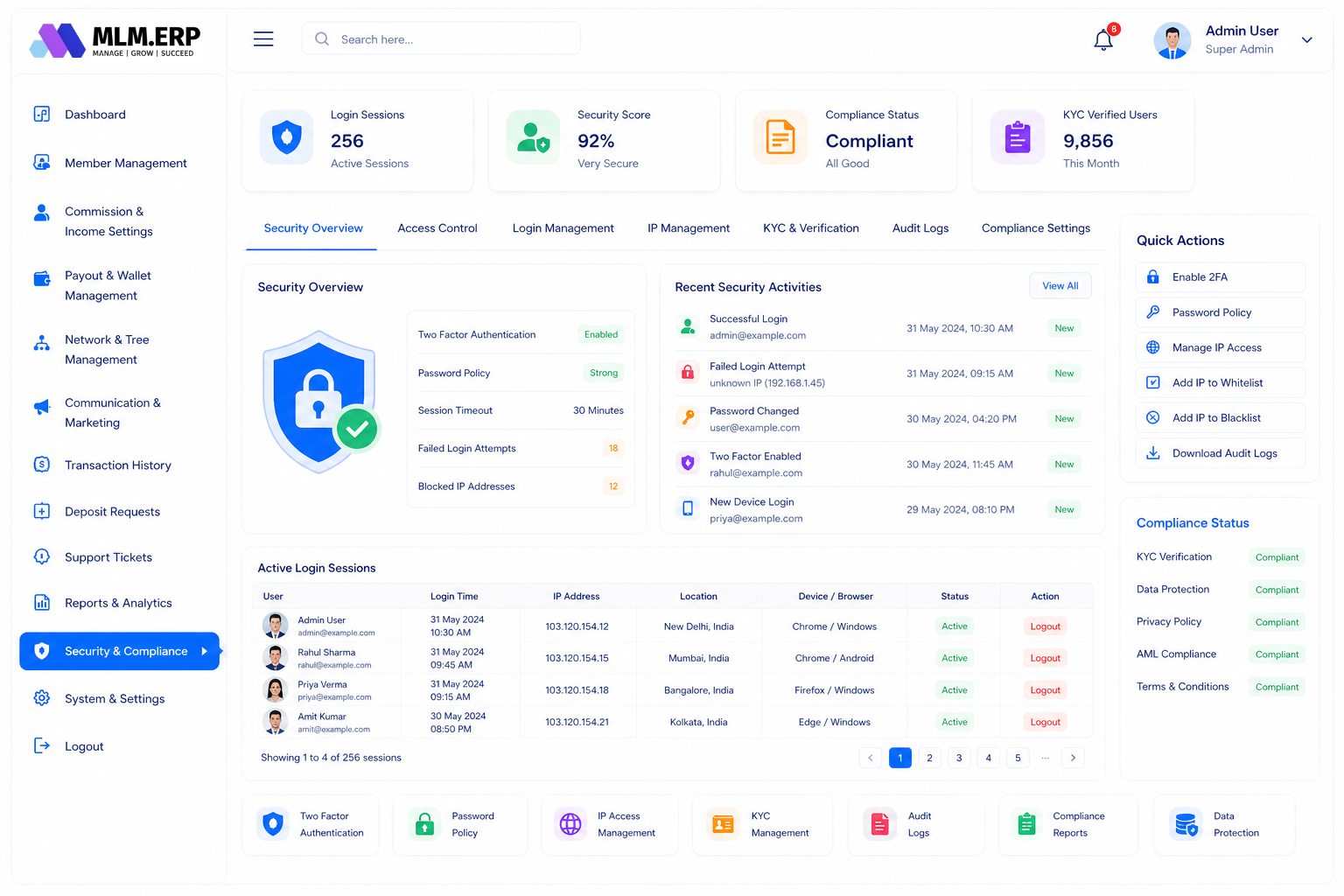
Security & compliance
Protection for member data and company money at every layer.
- Built to scale securelyPerformance and security hold up as the network grows.
- End-to-end encryptionMember and payment data is encrypted on its way between the browser, apps and server.
- Two-factor authenticationA second step for admin and member logins.
- Audit logsEvery admin action is recorded with user, time and change.
- Daily backups and recoveryAutomated backups with a tested way back after an incident.
- Role-based accessStaff see and change only what their role allows.
- OTP-confirmed transactionsWithdrawals and transfers need a one-time password.
- CAPTCHA protectionStops bots on login and registration forms.
- IP-restricted admin accessLimit the admin panel to office or VPN addresses.
Explore the other parts of MLM.ERP
Member panel
The distributor back office: earnings, wallet, team tree, E-Pins, repurchase and support on any device.
26 featuresFranchise panel
Reports, payouts, TDS, GST and profit tracking for franchisees and stockists, without admin rights.
20 featuresWebsite & CMS
Your company website, joining form, product catalogue, achievers gallery and news, managed without code.
18 features60+ reports
Member, network, income, payout, product, wallet, analytics, security and custom reports with Excel and PDF export.
68 reportsAdmin panel: common questions
What can an MLM admin panel do?
It runs the business side of a network: registering and activating members, configuring compensation plan rules, approving payouts, viewing the genealogy, messaging members, producing reports and controlling who on the staff can do what. MLM.ERP's admin panel has nine modules and 59 features covering all of these.
Can I change commission rates without a developer?
Yes. Income types, percentages, levels, caps, TDS and admin charges are settings in the Commission & income module. Changes can be tested and scheduled so past earnings are never recalculated by accident.
Can staff have limited access?
Yes. Create staff accounts with role-based permissions, for example a support role that can answer tickets and view members but cannot approve payouts or change plan settings. Every action is written to the audit log.
Is the admin panel available on mobile?
Yes. Alongside the web panel there is a separate admin app for Android and iOS for approvals, alerts and quick checks on the move.
See the admin panel working on your own plan
Tell us about your products, plan and markets. A product specialist will show you the admin panel, member back office and mobile app configured the way you work, then send a written proposal.